

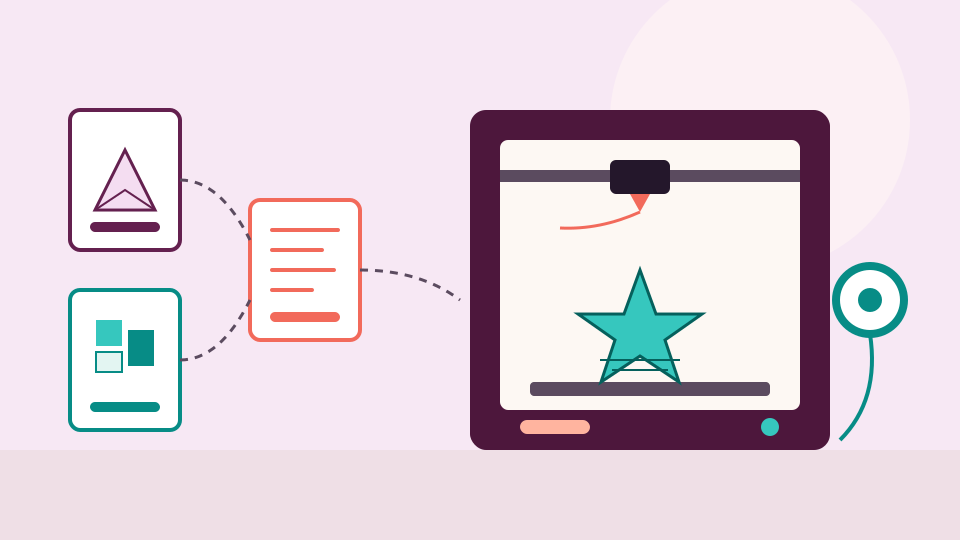
3D printing
A beginner's guide to 3D printing files
A model file describes a shape, your slicer turns it into G-code for your printer, and the model is the file worth keeping. Here is what each file type does.
· 5 min read
Help with STL, 3MF and the other files behind your prints: models with all their parts, easy to see and easy to find.
No credit card needed
3D printing
A model file describes a shape, your slicer turns it into G-code for your printer, and the model is the file worth keeping. Here is what each file type does.
· 5 min read
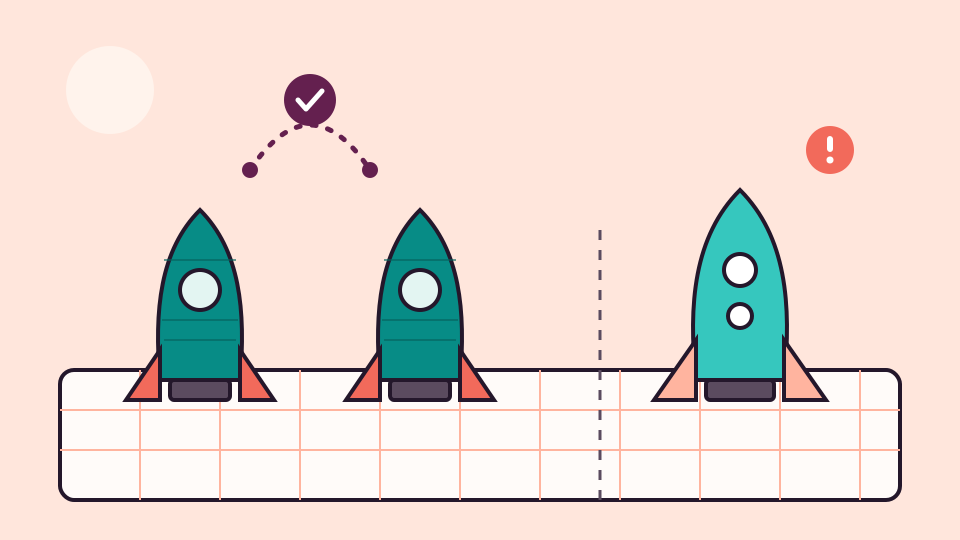
3D printing
Some duplicate STL files are exact copies, and some only look alike. Here is how to tell them apart, which copy to keep, and how to tidy up without losing anything.
· 5 min read
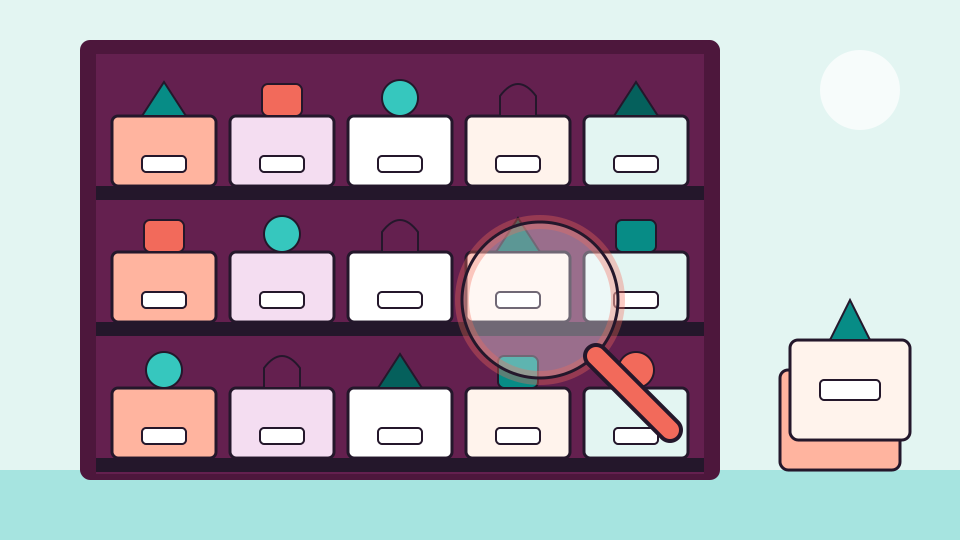
3D printing
Thousands of models don't need thousands of decisions. Sort the backlog in passes, agree a few rules with yourself, and let pictures and search do the rest.
· 5 min read
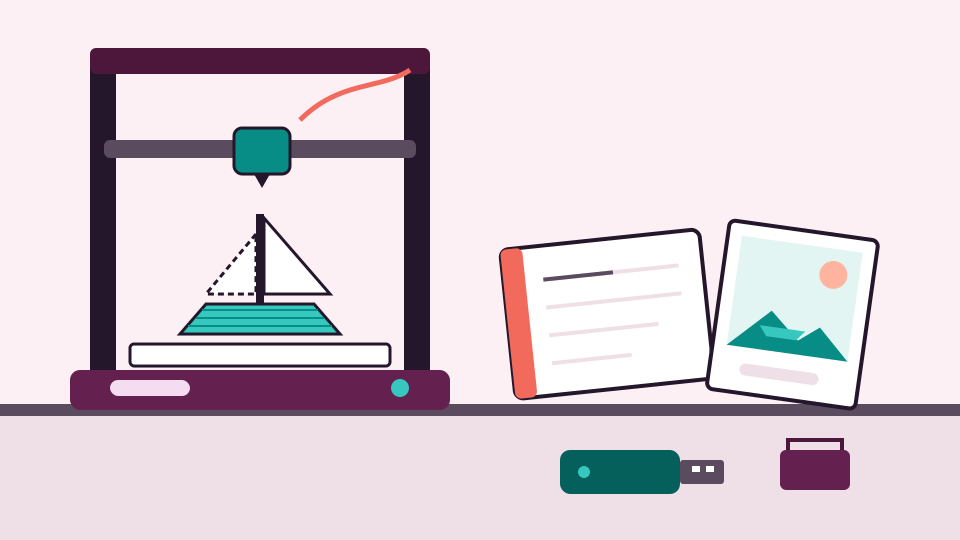
3D printing
Every print leaves a trail of files behind it. Keep the model, the slicer project, the G-code, a photo and a short note in one place, and the next print is easy.
· 5 min read
3D printing
Group models into projects, keep the files that belong together side by side, and give each one a name you can search. Here is a system that works for ten models or ten thousand.
· 5 min read
All guides · The 3D print file organizer · Supported formats
Every embroidery and craft design you own, shown as a picture and found by name.
No credit card needed