

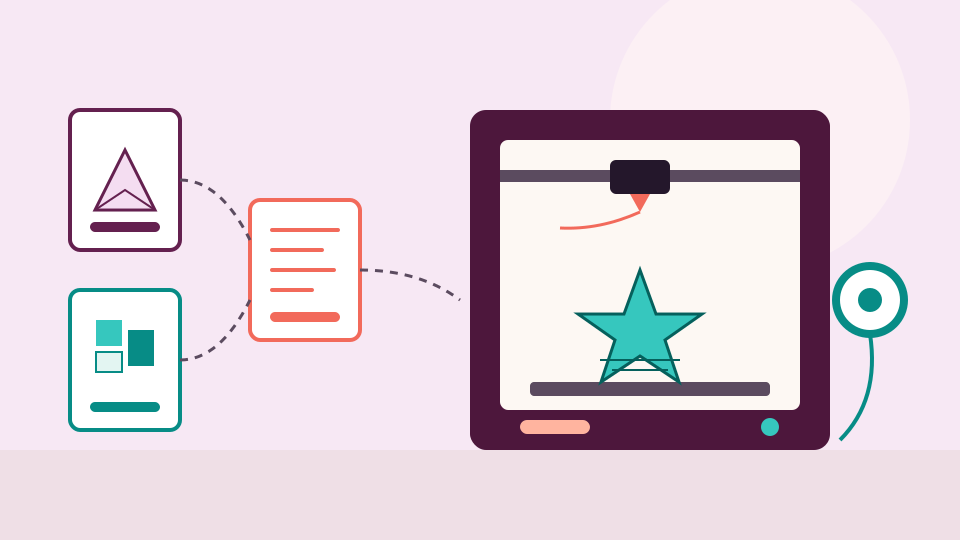
3D printing
A beginner's guide to 3D printing files
A model file describes a shape, your slicer turns it into G-code for your printer, and the model is the file worth keeping. Here is what each file type does.
Craft file guides in plain words, for machine embroidery, longarm quilting, cutting machines, lasers and 3D printing. Learn how to organize your files, what each format is for, and how to find the design you want again.
No credit card needed
Guide 1 of 6
3D printing
A model file describes a shape, your slicer turns it into G-code for your printer, and the model is the file worth keeping. Here is what each file type does.
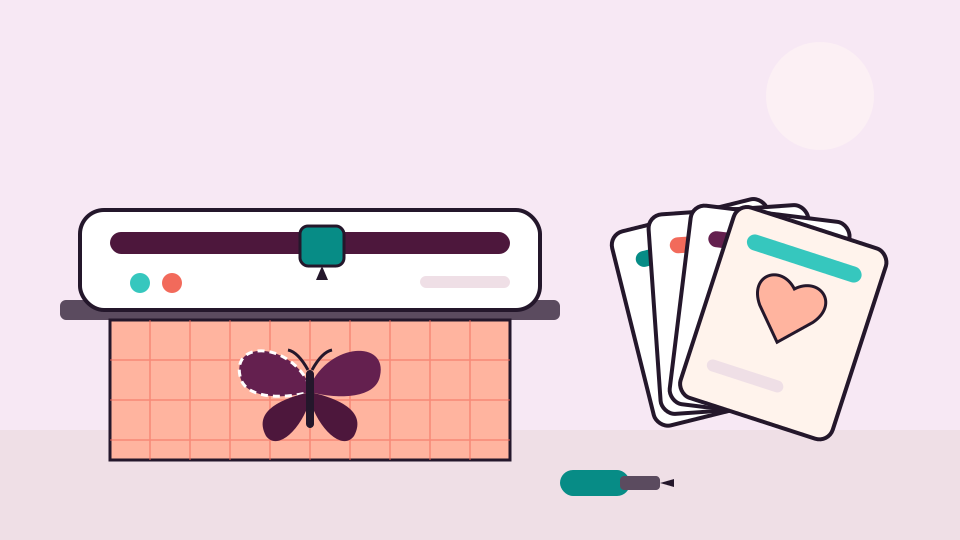
Cutting machines and SVG
Cut files come in a handful of formats, and a bundle often holds several. Here is what each one is for, and a simple way to keep them all where you can find them.
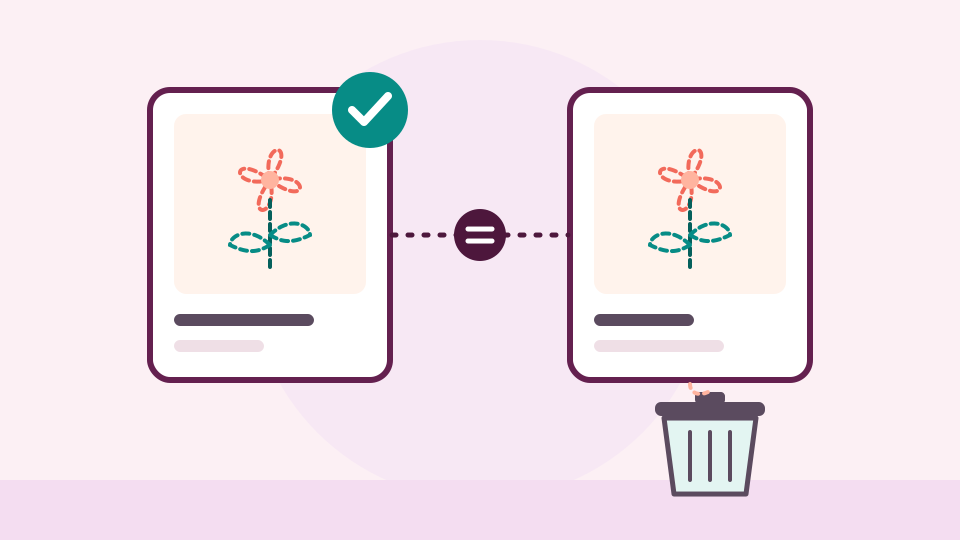
Machine embroidery
Duplicate designs pile up from bundles, re-downloads and old USB sticks. Learn what really counts as a duplicate, how to check by hand, and how to clear copies without losing anything.
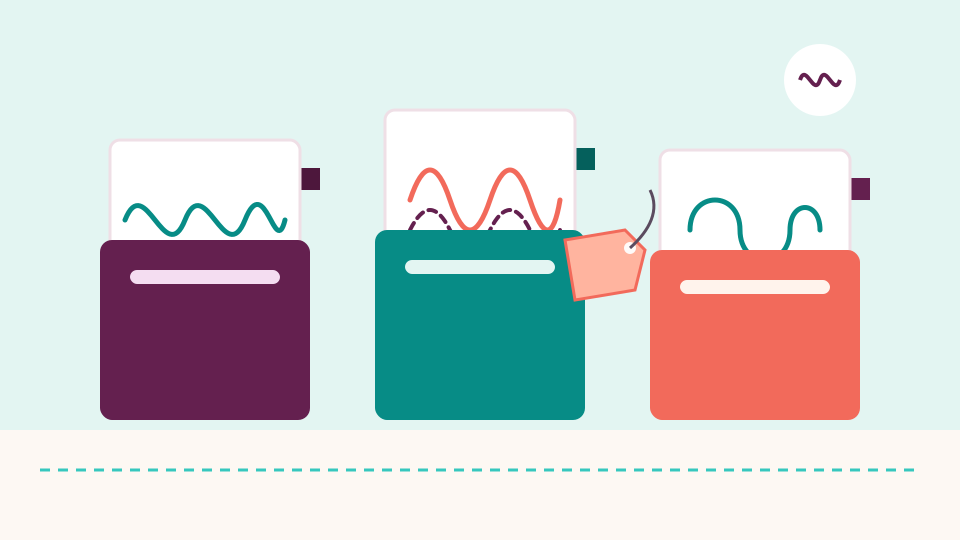
Longarm quilting
Sort your quilting patterns by designer, keep every format of one design together, and give each a name and a few tags you can search. A simple system for any size of library.
Machine embroidery
Why one design arrives in a dozen formats, and what the common ones store. Then how to tell which one your machine needs, and what to do with the rest.
Machine embroidery
A simple structure, a few naming habits and a weekly routine. Together they keep an embroidery collection easy to search at fifty designs and at fifty thousand.
3D printing
A model file describes a shape, your slicer turns it into G-code for your printer, and the model is the file worth keeping. Here is what each file type does.
· 5 min read
Cutting machines and SVG
Cut files come in a handful of formats, and a bundle often holds several. Here is what each one is for, and a simple way to keep them all where you can find them.
· 5 min read
Laser
Laser files come as vector drawings, pictures for engraving and project files with your settings. Here is what each one is for and how to keep them in order.
· 5 min read
Longarm quilting
New to a computerized longarm? Here is what a quilting pattern file is, which file types you will meet, how to see what's inside one, and how it gets to your machine.
· 5 min read
Machine embroidery
New to machine embroidery? Here is what is inside a design download, which file your machine needs, how to get it there and how to keep your designs tidy from day one.
· 6 min read
Longarm quilting
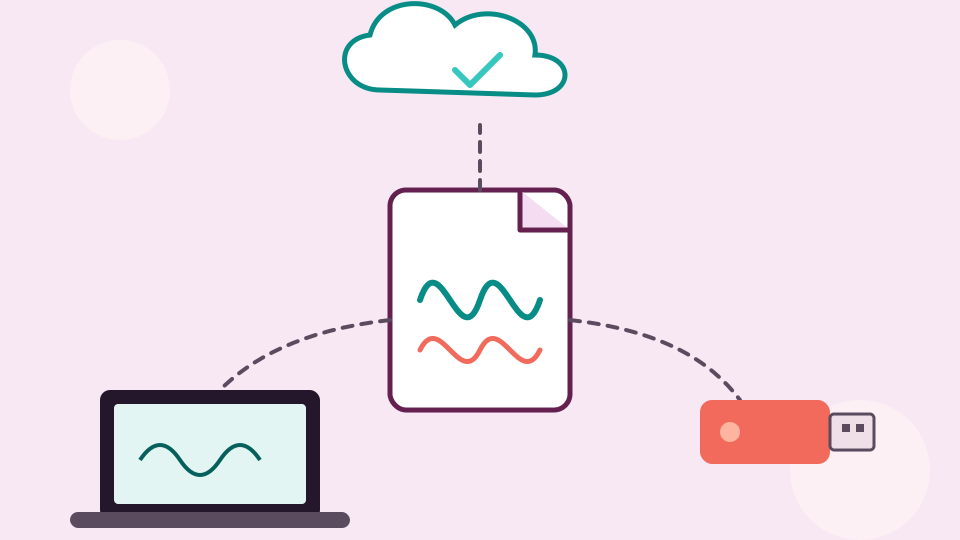
Your quilting patterns are worth protecting. Keep more than one copy in more than one place, include what's on the quilting computer, and know how to get a pattern back.
· 5 min read
Machine embroidery
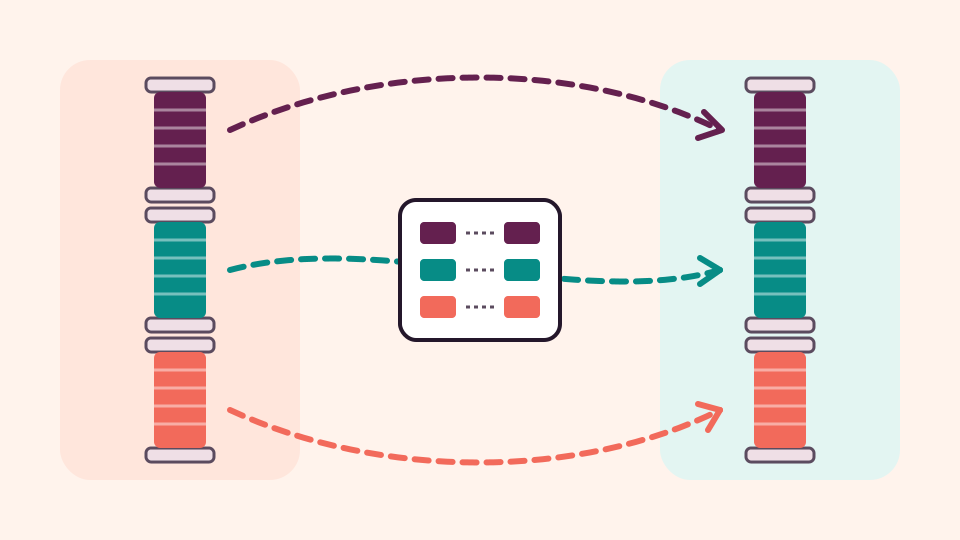
A design calls for one thread brand and your box holds another. Here is how to find the matching numbers, one spool or a whole design at a time.
· 6 min read
Machine embroidery
Duplicate designs pile up from bundles, re-downloads and old USB sticks. Learn what really counts as a duplicate, how to check by hand, and how to clear copies without losing anything.
· 5 min read

3D printing
Some duplicate STL files are exact copies, and some only look alike. Here is how to tell them apart, which copy to keep, and how to tidy up without losing anything.
· 5 min read
Machine embroidery
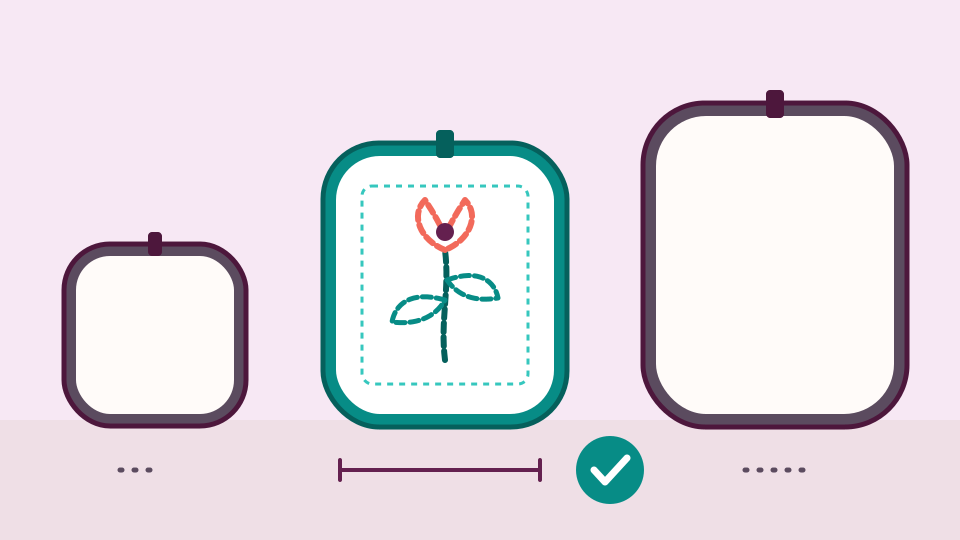
A design that looks perfect can still be too big for your hoop. Here is how to check the size first and then find only the designs you can stitch.
· 6 min read
3D printing
Thousands of models don't need thousands of decisions. Sort the backlog in passes, agree a few rules with yourself, and let pictures and search do the rest.
· 5 min read
Machine embroidery
Download your embroidery folders from Dropbox one designer at a time, add them to your new library, and keep the Dropbox copy until you have checked everything arrived.
· 6 min read
3D printing
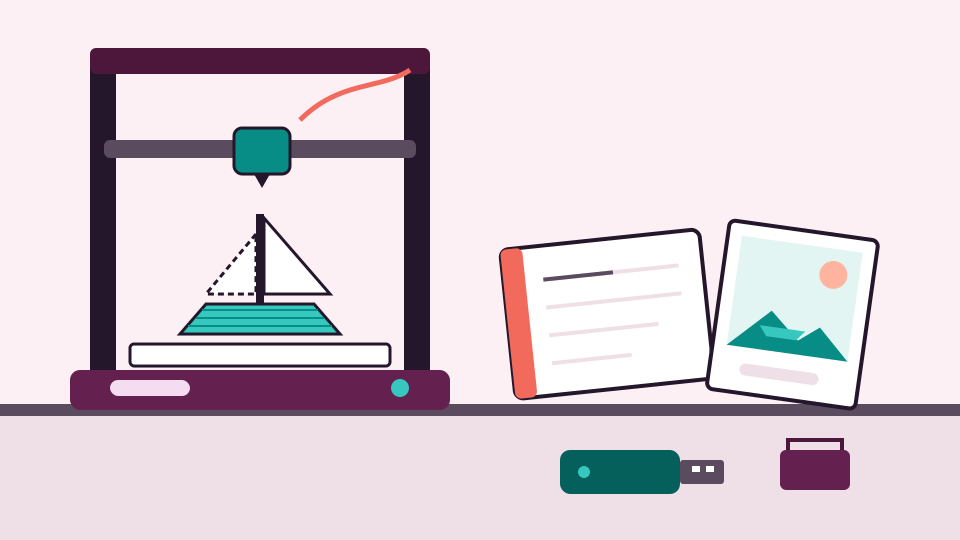
Every print leaves a trail of files behind it. Keep the model, the slicer project, the G-code, a photo and a short note in one place, and the next print is easy.
· 5 min read
Longarm quilting
A digital pantograph arrives as a bundle of file types. Keep the bundle together, write down its size, sort by look and density, and you can pick the right panto for any quilt.
· 5 min read
Machine embroidery
Set up Finder folders by designer and design set, use tags for themes, and know what to look for if you want an organizer that shows the designs themselves.
· 5 min read
Machine embroidery
Kimberbell sets often come with several hoop sizes and a PDF of instructions. Keep each set together as one project, then use tags and collections to find it again.
· 5 min read
Longarm quilting
Sort your quilting patterns by designer, keep every format of one design together, and give each a name and a few tags you can search. A simple system for any size of library.
· 5 min read
Machine embroidery
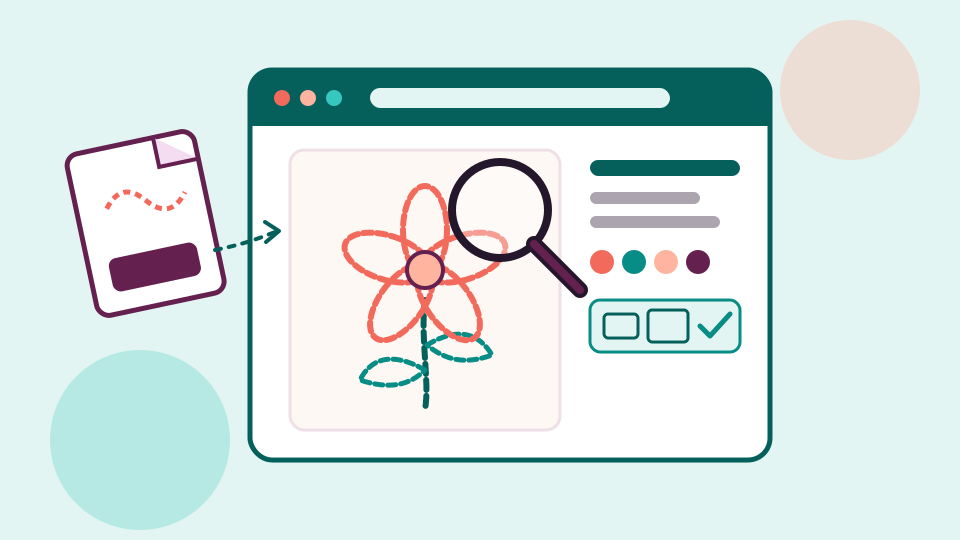
A PES file won't open like a photo, but your web browser can still draw it. Here is how to see the stitches, size, hoop fit and stored colors of a design for free.
· 6 min read

Machine embroidery
Most crafters own more designs than they can picture. Here is how to turn a pile of file names into a catalog you can browse, search and print, so you stop buying the same design twice.
· 5 min read
Machine embroidery
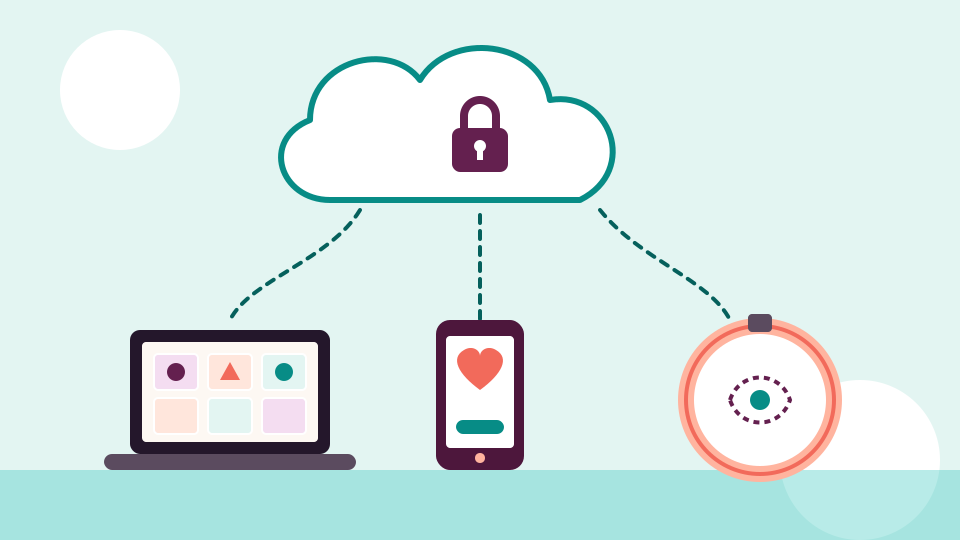
Keeping designs in the cloud protects them from a dead computer and lets you reach them from any device. Here is what to look for, how to move your files and how to get them back to your machine.
· 6 min read
Machine embroidery
Once a collection runs into the thousands, folders alone stop working. Here is how to choose one home for every design, find things by picture and search, and keep it all safe.
· 6 min read
3D printing
Group models into projects, keep the files that belong together side by side, and give each one a name you can search. Here is a system that works for ten models or ten thousand.
· 5 min read
Cutting machines and SVG
Unpack each bundle into a project, keep its SVG, DXF and PNG versions together, and tag designs by theme. It works for a handful of files or a whole collection.
· 5 min read
Machine embroidery
Why one design arrives in a dozen formats, and what the common ones store. Then how to tell which one your machine needs, and what to do with the rest.
· 6 min read
Machine embroidery
Choose the right file, prepare the drive and copy the design so your machine can find it. Then fix the usual reasons a machine doesn't see a design.
· 6 min read
Machine embroidery
A simple structure, a few naming habits and a weekly routine. Together they keep an embroidery collection easy to search at fifty designs and at fifty thousand.
· 6 min read
Machine embroidery
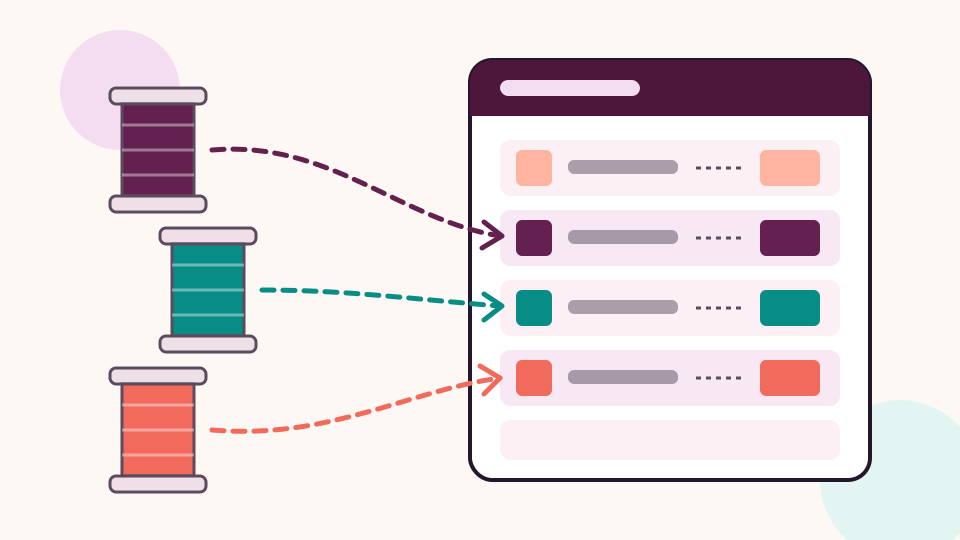
What each column on a thread conversion chart means, and how exact and close matches differ. Plus a simple routine for swapping thread brands without surprises.
· 5 min read
Every embroidery and craft design you own, shown as a picture and found by name.
No credit card needed