

3D printing
A beginner's guide to 3D printing files
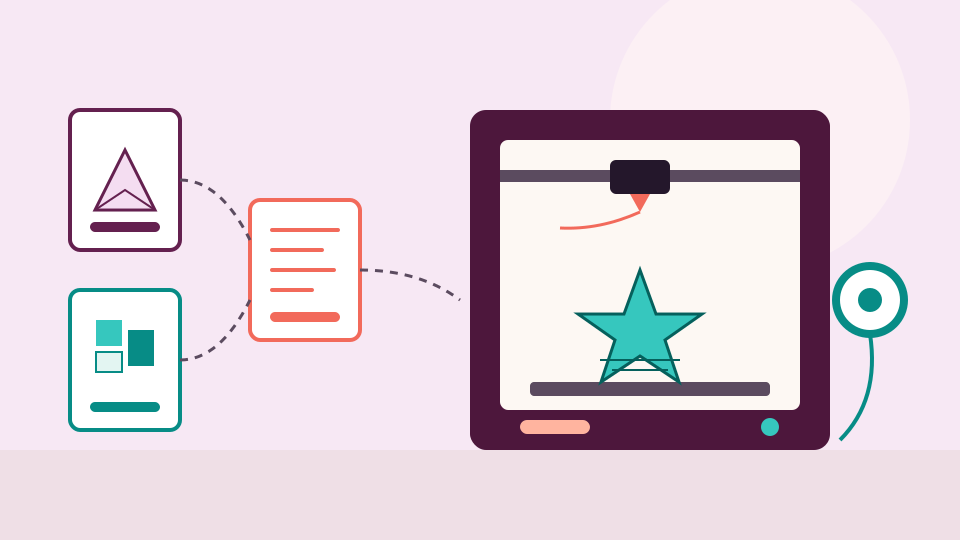
A model file describes a shape, your slicer turns it into G-code for your printer, and the model is the file worth keeping. Here is what each file type does.
· 5 min read
What each file type is for, and which one your machine needs.
No credit card needed
3D printing
A model file describes a shape, your slicer turns it into G-code for your printer, and the model is the file worth keeping. Here is what each file type does.
· 5 min read
Cutting machines and SVG
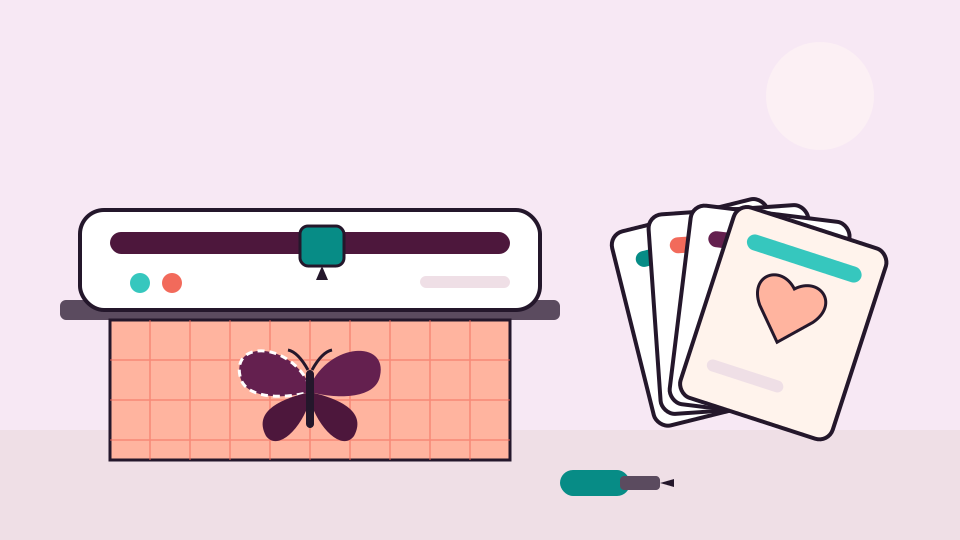
Cut files come in a handful of formats, and a bundle often holds several. Here is what each one is for, and a simple way to keep them all where you can find them.
· 5 min read
Laser
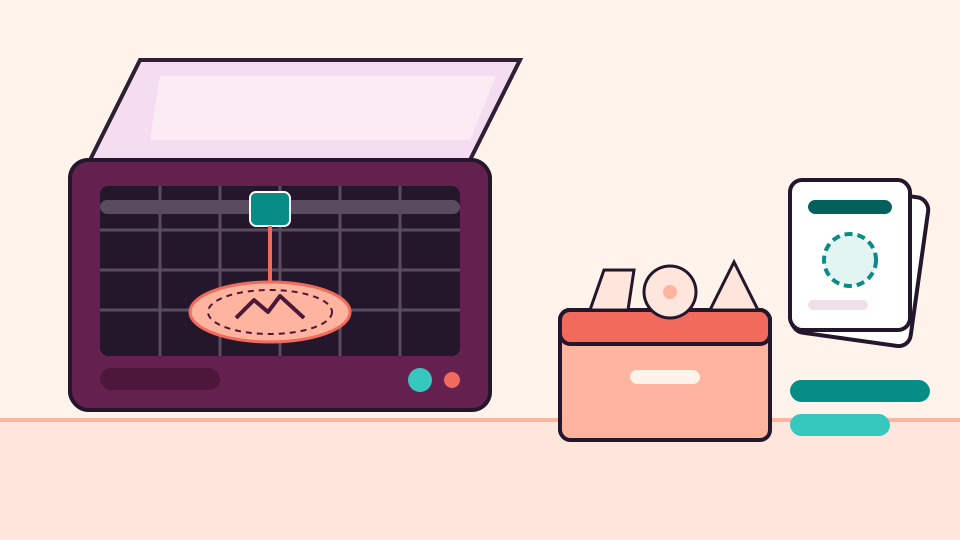
Laser files come as vector drawings, pictures for engraving and project files with your settings. Here is what each one is for and how to keep them in order.
· 5 min read
Longarm quilting
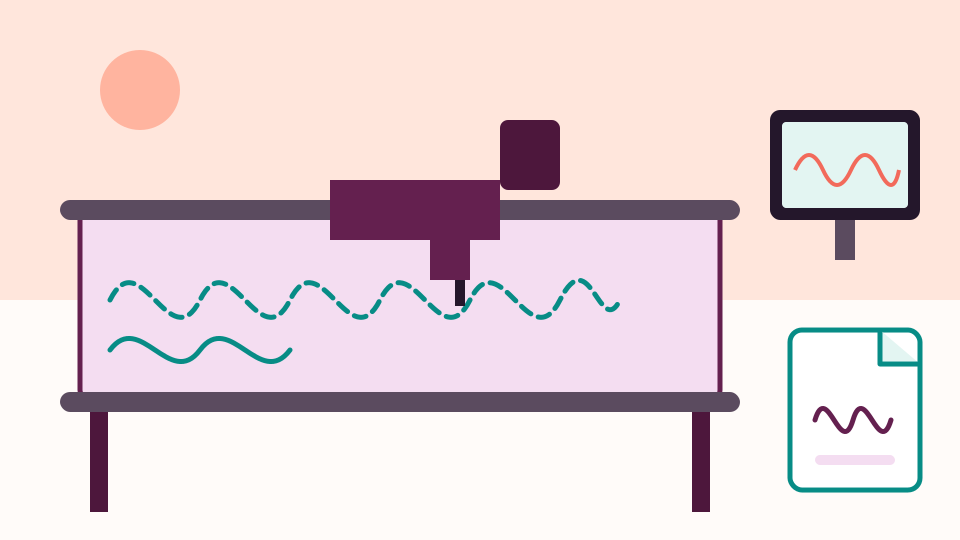
New to a computerized longarm? Here is what a quilting pattern file is, which file types you will meet, how to see what's inside one, and how it gets to your machine.
· 5 min read
Machine embroidery
New to machine embroidery? Here is what is inside a design download, which file your machine needs, how to get it there and how to keep your designs tidy from day one.
· 6 min read
Machine embroidery
A PES file won't open like a photo, but your web browser can still draw it. Here is how to see the stitches, size, hoop fit and stored colors of a design for free.
· 6 min read
Machine embroidery
Why one design arrives in a dozen formats, and what the common ones store. Then how to tell which one your machine needs, and what to do with the rest.
· 6 min read

Machine embroidery
Choose the right file, prepare the drive and copy the design so your machine can find it. Then fix the usual reasons a machine doesn't see a design.
· 6 min read
Every embroidery and craft design you own, shown as a picture and found by name.
No credit card needed